
Student payments and attendance
Who came, who paid and who still owes
Download on the App StoreFree for 5 students. No sign-up, no ads
Attendance and payment for every lesson
Mark right in the lesson whether the student came and paid. A missed lesson can stay paid or be closed without charge
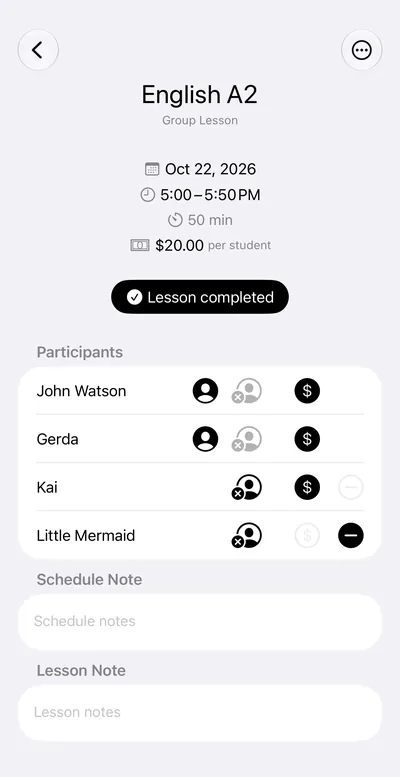
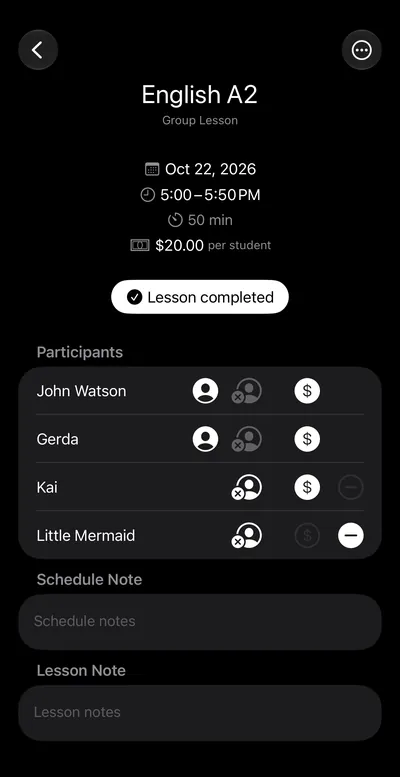
- Attended
- Paid
- Missed, paid
- Missed, no charge
A forgotten lesson won’t get lost
If a past lesson isn’t fully marked, a dot appears next to its date in the schedule. Open the day to see what’s left
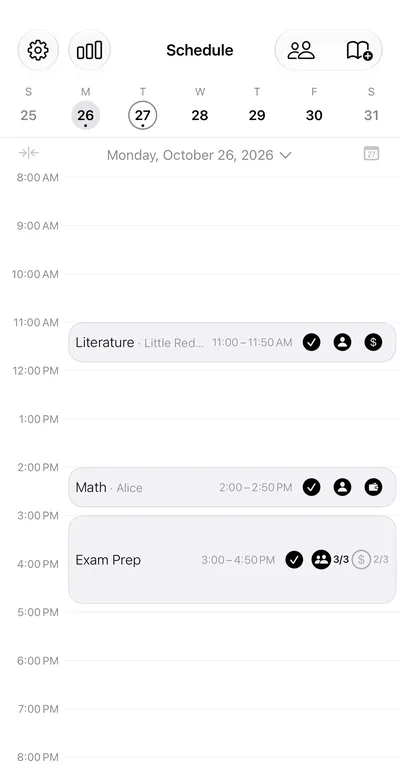
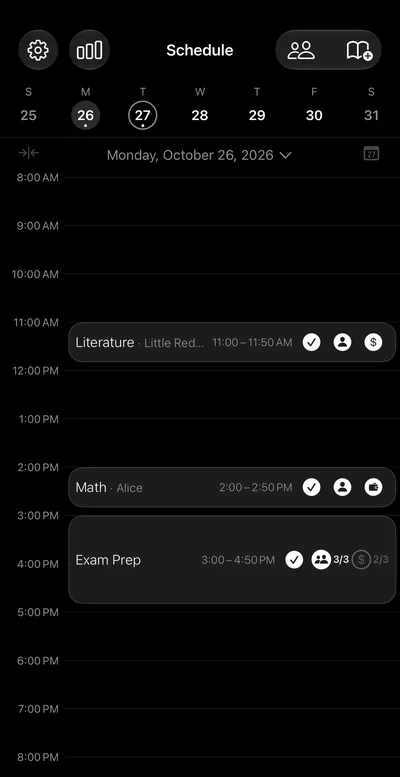
- Unmarked lesson
- Not everyone’s payment is marked
Paid after the lesson or in advance
Agree on whatever suits you and the student. Tabula handles both
After the lesson
The debt shows on the student’s card, and one tap marks the payment
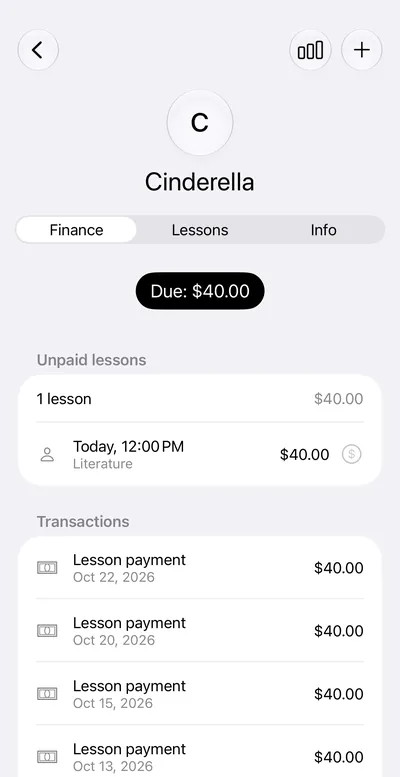
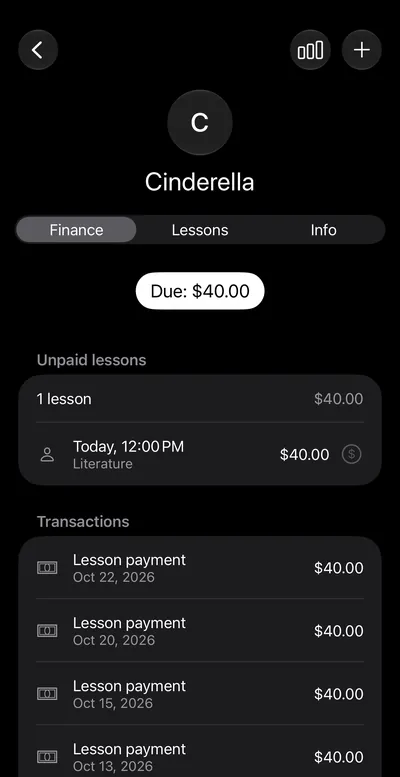
- Student’s debt
- One-tap payment
- Payment history
In advance
Add money to the balance with the plus button. If it covers the lesson, the lesson is paid from the balance
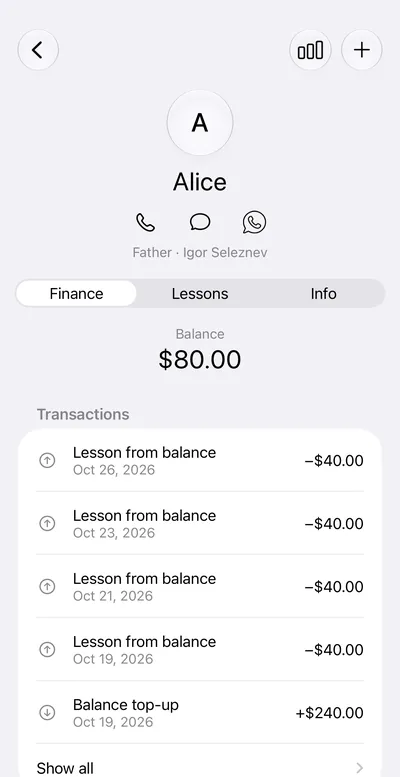
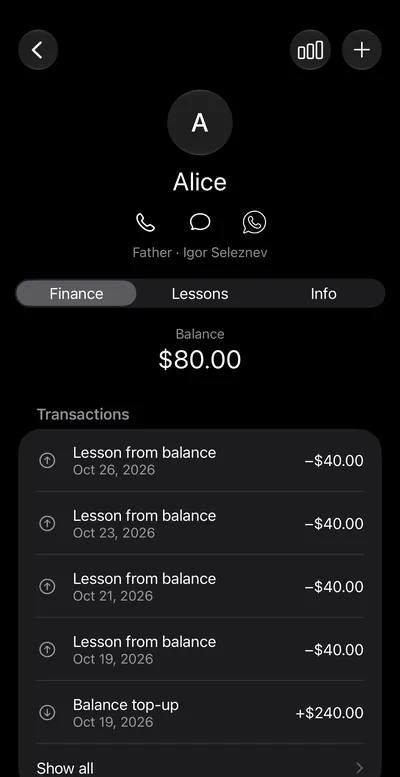
- Add a prepayment
- Balance left
- Lesson from balance
- Top-up
Who owes you and what you’ve earned
The whole picture on one screen, from income for the period to each student who owes you
Income
By week, month or year, each currency separately
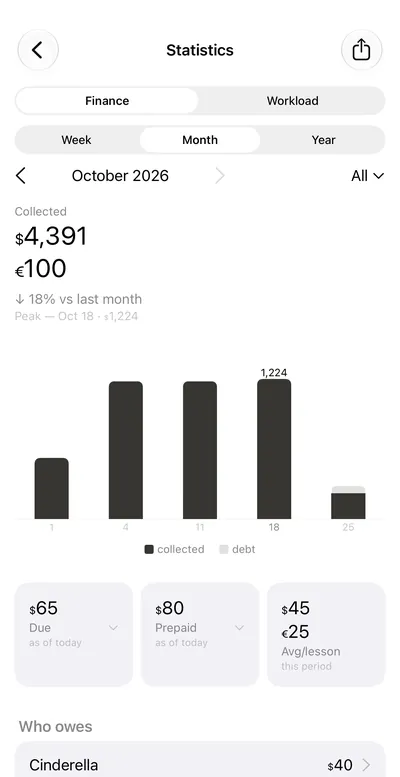
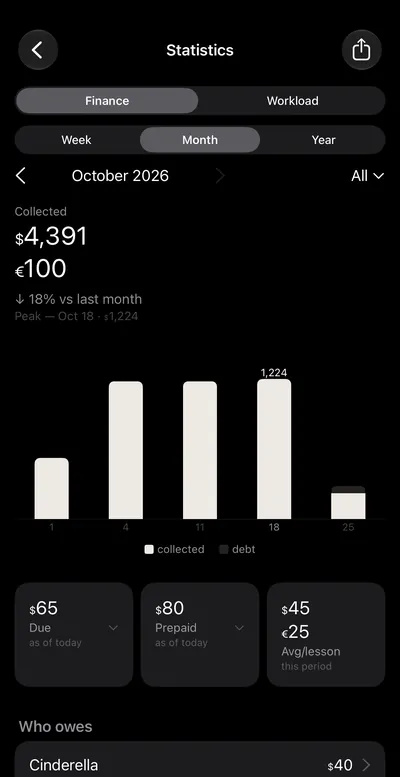
- Week, month or year
- Each currency separately
- Due and prepaid
Debts and prepayments
Tap a name to open the student’s card with their unpaid lessons
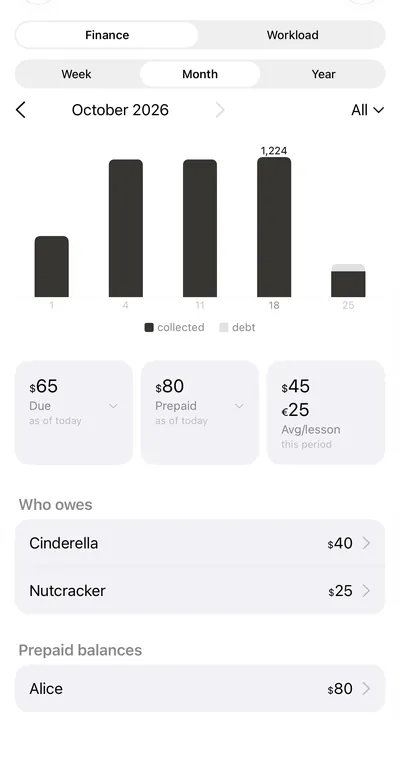
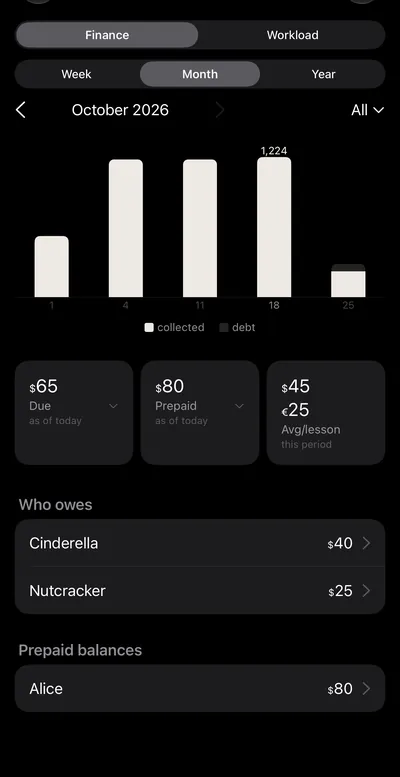
- Who owes
- Tap a name: lessons to pay
- Prepaid balances
If things go differently
Late cancellation
Keep a cancelled lesson payable or close it without charge
How to agree on cancellationsPaid on the spot
There’s money on the balance, but the student paid right away. Press and hold the payment icon to choose
Marked by mistake
You can remove a payment, and the lesson becomes unpaid again
Another currency
For a single student or lesson
Forgot to mark a lesson?
In the evening, Tabula reminds you about unmarked lessons, and the badge on the app icon shows what’s still left to fill in
Your income and debts stay on your iPhone
Amounts and student names are stored on the device. No account needed